
Tech support scams and fake virus pop-ups
A page suddenly fills your screen with alarms, a loud warning and a phone number to call. It looks serious, but it is almost always a scam. Real companies do not alert you this way.
How it unfolds
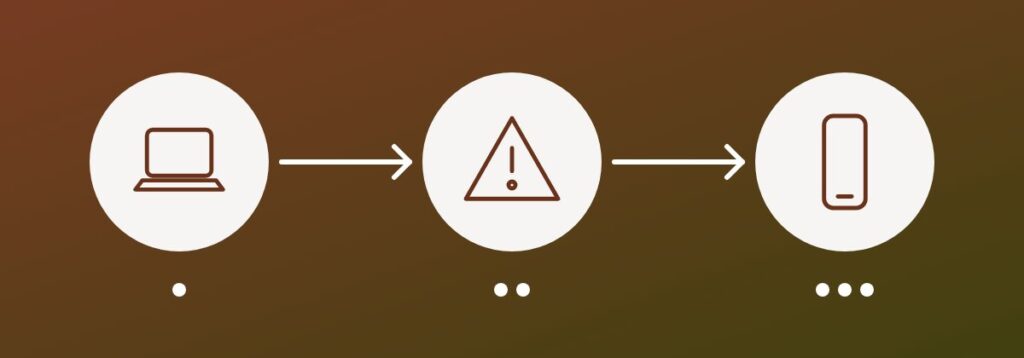
The pop-up claims your device is infected and urges you to call support. The caller then asks to connect remotely, fixes nothing, and charges a fee or installs software that gives them continuing access to your files and accounts.
What to do instead
- Do not call the number or click anything in the pop-up
- Close the browser, or force quit it if the page will not close
- Never give a stranger remote access to your device
- Run a scan with security software you already trust
If you already called
Disconnect the device from the internet, change passwords from a different clean device, remove any remote access software and check your bank statements. If you paid by card, contact your bank to dispute the charge. Tell family members, because victims are often targeted again.
Key takeaway: a genuine warning will never ask you to phone a stranger and hand over control of your computer.