Choosing and securing a business router
The router is the front door to your business network, yet it is often left on default settings for years. Choosing a good one and configuring it properly is a quick security win.
What to look for
Choose a model with WPA3 support, automatic firmware updates, a guest network, VPN features and a clear commitment from the vendor about how long it will receive security updates.
Secure it
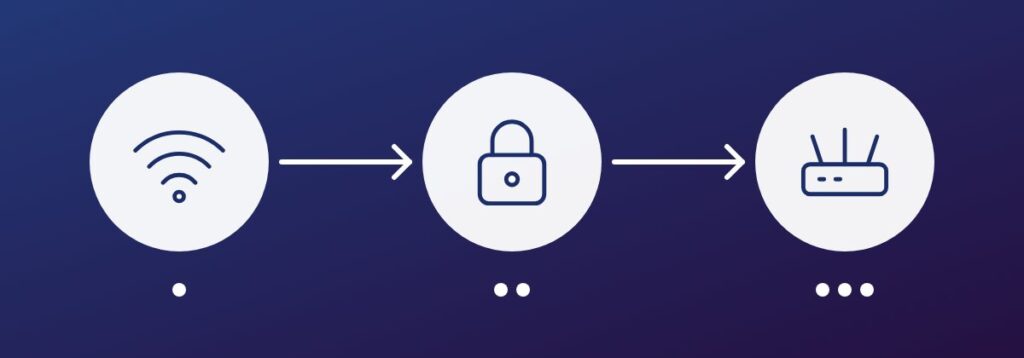
- Change the default administrator username and password
- Turn off remote administration unless you truly need it
- Use WPA3 or WPA2 with a long passphrase
- Disable features you do not use, such as old plug-and-play options
Separate your devices
Put visitors and smart devices, such as cameras and TVs, on separate networks from your work computers. If one is compromised, the attacker cannot easily reach the rest. Check for firmware updates regularly and replace routers that are no longer supported.
Key takeaway: change the defaults, keep the firmware current and separate your networks.