How to read a security advisory without panic
Security advisories can look alarming, with technical language and severity ratings. Reading them calmly and knowing what to look for turns them into a useful to-do list.
What an advisory tells you
Check which products and versions are affected, how severe the issue is, whether attackers are already exploiting it and whether a fix or workaround exists. Severity scores are a guide, not the whole story, because context matters.
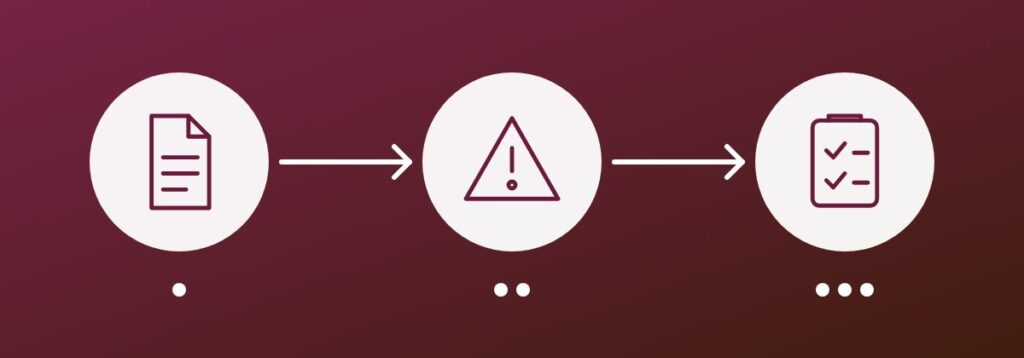
Decide what to do first
- Prioritize systems that face the internet
- Act first on flaws known to be actively exploited
- Apply vendor patches or the suggested workaround
- Record what you changed and when
Be ready before the next one
Keep an up-to-date inventory of the hardware and software you run, so you can quickly tell whether an advisory affects you. Subscribe to alerts from your key vendors and from your national cyber security agency, and agree who is responsible for responding.
Key takeaway: know what you run, read the advisory for what is affected, and fix exploited flaws first.