SonicWall SSL VPN Flaw Can Bypass SAML Logins and MFA: Update Now
SonicWall has fixed seven SonicOS flaws, including one that can let attackers slip past SAML and MFA on SSL VPN logins. CISA says it is being exploited.

In this article
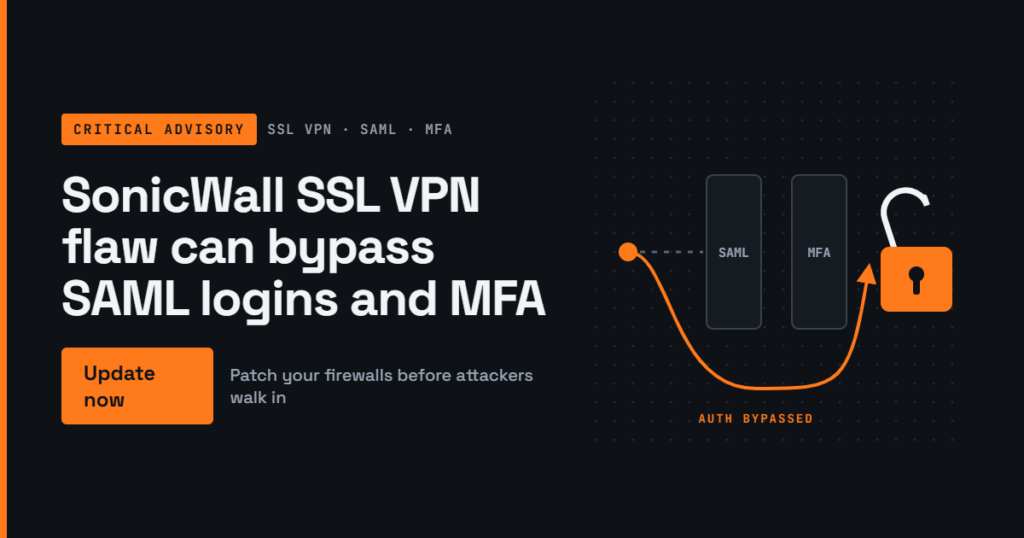
SonicWall has released SonicOS updates that fix seven security flaws in its firewalls, and one of them is already on the US Cybersecurity and Infrastructure Security Agency’s (CISA) list of vulnerabilities known to be exploited. The bug can let someone get past SAML sign-in controls, and the multi-factor authentication (MFA) that SAML enforces, on the SSL VPN that staff use to work remotely. If your business, school or bank branch connects remote workers through a SonicWall firewall, this is one to schedule today.
What happened
SonicWall published security advisory SNWLID-2026-0014 on 6 November 2026. It covers seven SonicOS vulnerabilities across Gen7 and Gen8 firewalls. The most urgent is CVE-2026-19868, rated 7.1 (high) on the CVSS scale and reported by Ryan Harris of The Electronic Office.
According to SonicWall, the flaw is an authentication enforcement problem in the SonicOS SSL VPN service. A user who holds valid credentials for a different authentication method can bypass SAML authentication controls, and with them any MFA that SAML was meant to enforce. In practice, that weakens the extra login step many organisations rely on to stop attackers who have stolen a password.
SonicWall says its product security team has investigated a report indicating potential exploitation. CISA went further and added the flaw to its Known Exploited Vulnerabilities (KEV) catalogue on 6 November, giving US federal agencies until 20 November to fix it. Neither SonicWall nor CISA has shared details of the attacks, and it is not clear whether the bug was used before the fix was available.
Who is affected
The issue matters only where SAML-based login is enabled for the SSL VPN, according to the vendor. Affected firmware is:
- Gen7 TZ, NSa, NSsp and NSv firewalls running SonicOS 7.3.3-7015 or older.
- Gen8 TZ, NSa and NSv firewalls running SonicOS 8.2.2-8015 or older.
The fixed releases are SonicOS 7.3.4-7013 for Gen7 and SonicOS 8.2.3-8015 for Gen8. SonicWall lists no workaround, so upgrading is the only fix.
The other six flaws
Even if you do not use SAML, the same advisory is worth acting on. Reports on the advisory list:
- Two flaws rated 8.8 in the SonicOS management interface: a permissive cross-domain policy issue (CVE-2026-107155, which needs user interaction) and a session validation bug (CVE-2026-107154). Under certain conditions a remote attacker could abuse them without logging in.
- A pre-authentication heap buffer overflow in the SSL VPN (CVE-2026-82308, rated 7.5) and two TACACS+ client flaws (CVE-2026-77708 and CVE-2026-77709) that could be used to knock services offline.
- A weak password hashing issue on virtual appliances (CVE-2026-19703) that could expose a limited platform credential to someone who already has high-privileged local access.
None of these six is marked as exploited so far.
Why this matters
Firewalls and VPN gateways sit on the edge of the network and are reachable from the internet by design, which makes them a favourite target. SonicWall devices have been hit repeatedly this year. In July and September, attackers exploited zero-day flaws in SonicWall’s separate SMA 1000 remote access appliances, and SecurityWeek notes that another SonicWall bug, CVE-2026-102255, began to be targeted days after disclosure.
The new flaw is especially awkward because it undermines MFA, which organisations often treat as their safety net when passwords leak. Stolen VPN passwords are widely traded, so an attacker who can sidestep the second factor may walk straight into the internal network. For Nigerian and African firms that moved staff to remote or hybrid work and rely on a single edge firewall, the VPN is often the front door to file servers, accounting systems and email.
What you should do
- Find your firewalls and their generation. In the SonicOS web interface, check the model and firmware version on the dashboard or system status page. Confirm whether each unit is Gen7 or Gen8 before choosing the release.
- Upgrade. Install SonicOS 7.3.4-7013 or later on Gen7 units and 8.2.3-8015 or later on Gen8 units. Back up the configuration first and plan a short maintenance window, because the firewall will restart.
- Review SSL VPN sign-in methods. Check which authentication methods are enabled alongside SAML. Remove any you do not need, especially local accounts that do not have strong, unique passwords.
- Check VPN login logs. Look for sign-ins at odd hours, from unexpected countries or by accounts that normally use SAML but logged in another way. Investigate anything you cannot explain.
- Lock down the management interface. Make sure the firewall’s admin page is not reachable from the internet, and restrict it to trusted internal addresses.
- Reset credentials if in doubt. If you see signs of misuse, reset VPN passwords and revoke active sessions after patching.
- Ask your IT provider. If a managed service provider runs your firewall, ask them in writing to confirm the version installed and the date it was updated.
Patch first, then review. With no workaround and a confirmed listing in CISA’s exploited catalogue, every day an affected firewall stays on old firmware is a day of unnecessary risk.
Sources
- SecurityWeek: SonicWall Patches Exploited SonicOS Vulnerability That Weakens VPN Logins
- Cyber Security News: SonicWall Warns of Potential In-the-Wild Exploitation of SSLVPN Flaw
- Help Net Security: SonicWall SMA zero-days were exploited weeks before disclosure
Featured image: Photo: “computer laptop keyboard HP Pavilion Entertainment PC” by GoodNCrazy, CC BY 2.0, via Openverse — source
Was this article helpful?

adminVerified expert
Cybersecurity Analyst — 20 years experience
Federal Capital Territory (Abuja)
Credentials: MCPN, MNCS, IAENG | System Analyst · Web Developer · CEH · CC · CDST
Got expertise to share? Write for us →