Scam Alert: SIM Agents Registering Extra Lines With Your NIN
Delta State Police warn that some SIM registration outlets secretly use customers' NIN details to register extra lines that can end up with criminals. Here is how to check and protect yourself.

In this article
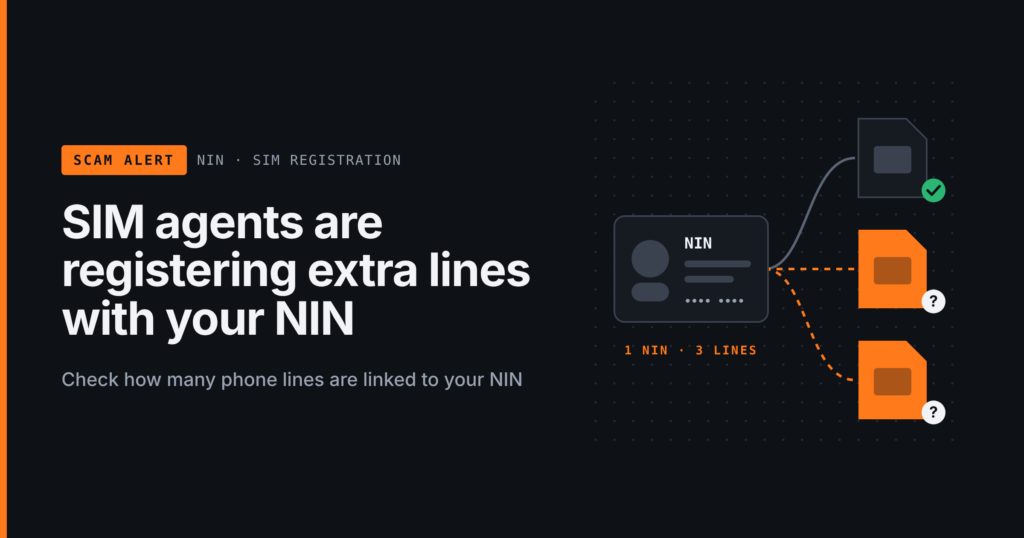
The Delta State Police Command has warned Nigerians that some operators of small SIM registration and telecom outlets may be quietly using customers’ personal details to register extra SIM cards. Those hidden lines can then be sold on to criminals. If one is later used in a fraud or a kidnapping, the trail leads back to the innocent person whose National Identification Number (NIN) was used. This alert explains how the trick works, how to spot it and how to check which numbers are linked to your NIN today.
What the police said
In a security advisory posted on X on Friday, 6 November 2026, the state’s Police Public Relations Officer, SP Bright Edafe, urged residents to check all phone numbers registered with their NIN. He said people could face criminal investigations over offences committed with lines registered in their names, and listed financial fraud, kidnapping and ransom-related crimes as examples.
He advised everyone, including people who registered at official network offices, to visit their providers, such as MTN and Globacom, to see every number linked to their NIN and to ask for any unfamiliar number to be delisted. He said the command was looking into a related matter but gave no details because the investigation is ongoing.
How the scam works, step by step
- You go to register or replace a SIM. Often this is a roadside kiosk or a small outlet rather than a network’s own service centre.
- The agent collects your details. They take your NIN, name and, in many cases, your fingerprints or photo, saying it is for your own line.
- Extra SIMs are registered in secret. According to the police warning, the operator then uses the same details to register other SIM cards you never asked for.
- You are sent away. The agent may claim the network is poor and suggest you try another outlet, so you leave without noticing what happened.
- The lines are sold. The hidden SIMs may be sold to criminals who want a phone number that cannot be traced to them.
- The problem lands on you. If the line is used for fraud, threats or ransom calls, investigators will first look for the person registered to it.
Warning signs to watch for
- An agent asks you to repeat fingerprint capture several times, or takes a long time “processing” with your details.
- You are told the network is down and asked to go elsewhere after your details have been captured.
- The outlet is not a recognised network office or authorised agent, or will not show any identification.
- You receive SMS messages about a new line, NIN linking or a SIM you did not request.
- Someone asks to “help” you register by taking your NIN slip or ID card away from the counter.
How to check numbers linked to your NIN
Do this now, even if you have never had a problem. The methods below are described in Legit.ng’s guide and the Nigerian Communications Commission (NCC) consumer pages.
Using USSD
- Dial *996# from an active Nigerian SIM, choose the NIN status option and then the option to view linked numbers. You should receive an SMS listing them. Menu numbers can vary, so read the options on screen.
- If you do not know your NIN, the NCC says you can dial *346# from the number you registered with NIMC to retrieve it.
Using the NIMC Mobile ID app
The official NIMC Mobile ID app can also show the numbers linked to your NIN. Download it only from your phone’s official app store.
In person
Visit an official service centre of your network, or a NIMC enrolment centre, with a valid ID and your NIN, and ask staff to show every SIM registered to you. This is what the police specifically recommend.
How to protect yourself
- Register and replace SIMs only at official network offices or clearly authorised agents, as the police advised.
- Keep your NIN slip and ID card in your hands. Do not leave them with an agent or allow photos of them to be taken on a personal phone.
- Do not share your NIN casually on WhatsApp, social media or with callers claiming to be from a network or NIMC.
- Check your linked numbers regularly, for example every few months, and after any visit to a SIM outlet.
- Help older relatives run the check too. They are often the ones sent from one kiosk to another.
What to do if you find a number that is not yours
- Ask for it to be delisted. Using *996#, your network’s app or a visit to a service centre, select the unfamiliar number and request removal. Keep the confirmation SMS or receipt.
- Check again afterwards with *996# to confirm the number is gone.
- Write down what you know. Note where and when you last registered a SIM and the outlet’s location.
- Report it. Inform your network provider and the nearest police station, especially if you suspect a specific outlet. You can also contact the NCC Consumer Affairs Bureau at consumer@ncc.gov.ng.
What you should do today
Take five minutes to dial *996# and look at the numbers linked to your NIN. If you see anything you do not recognise, get it removed and keep the proof. Your identity is only as safe as the last place you handed it over.
Sources
- Chronicle NG: Police warn against buying SIM cards with stolen identities
- Legit.ng: How to check numbers linked to your NIN
- NCC Consumer Portal: SIM and NIN integration FAQs
Featured image: Photo: “mobile phone masts” by osde8info, CC BY-SA 2.0, via Openverse — source
Have you come across this scam?
Was this article helpful?

adminVerified expert
Cybersecurity Analyst — 20 years experience
Federal Capital Territory (Abuja)
Credentials: MCPN, MNCS, IAENG | System Analyst · Web Developer · CEH · CC · CDST
Got expertise to share? Write for us →