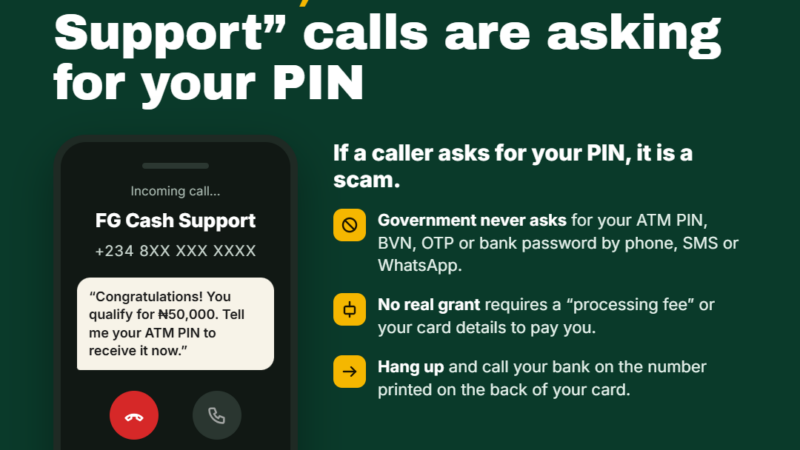
Scam Alert: Fake Bank ‘Customer Care’ Accounts on Social Media
Fraudsters are setting up lookalike bank support accounts on X, Telegram and other platforms to catch customers who complain in public, then steal their OTPs and PINs.

In this article
When a transfer fails or money disappears from an account, many Nigerians do what feels natural: they post a complaint on X, Facebook or Instagram and tag their bank. Fraudsters know this. They are running lookalike “customer care” accounts that reply to these complaints within minutes, offer to help, and then drain the victim’s account. This alert is for bank and fintech customers, and for small business owners and staff who handle payments.
Key takeaways
- The Association of Corporate Communication and Marketing Professionals in Banks (ACAMB) warned customers on 28 October and again on 3 November 2026 that fraudsters are impersonating banks through fake messages, websites and social media accounts.
- Wema Bank found more than 70 unverified accounts on X using the “Wema Bank” or “ALAT” names, and later also suspended its Telegram activity because of impersonation.
- According to Technext, lookalike accounts were harvesting one-time passwords (OTPs) from people who came to X looking for help with their money.
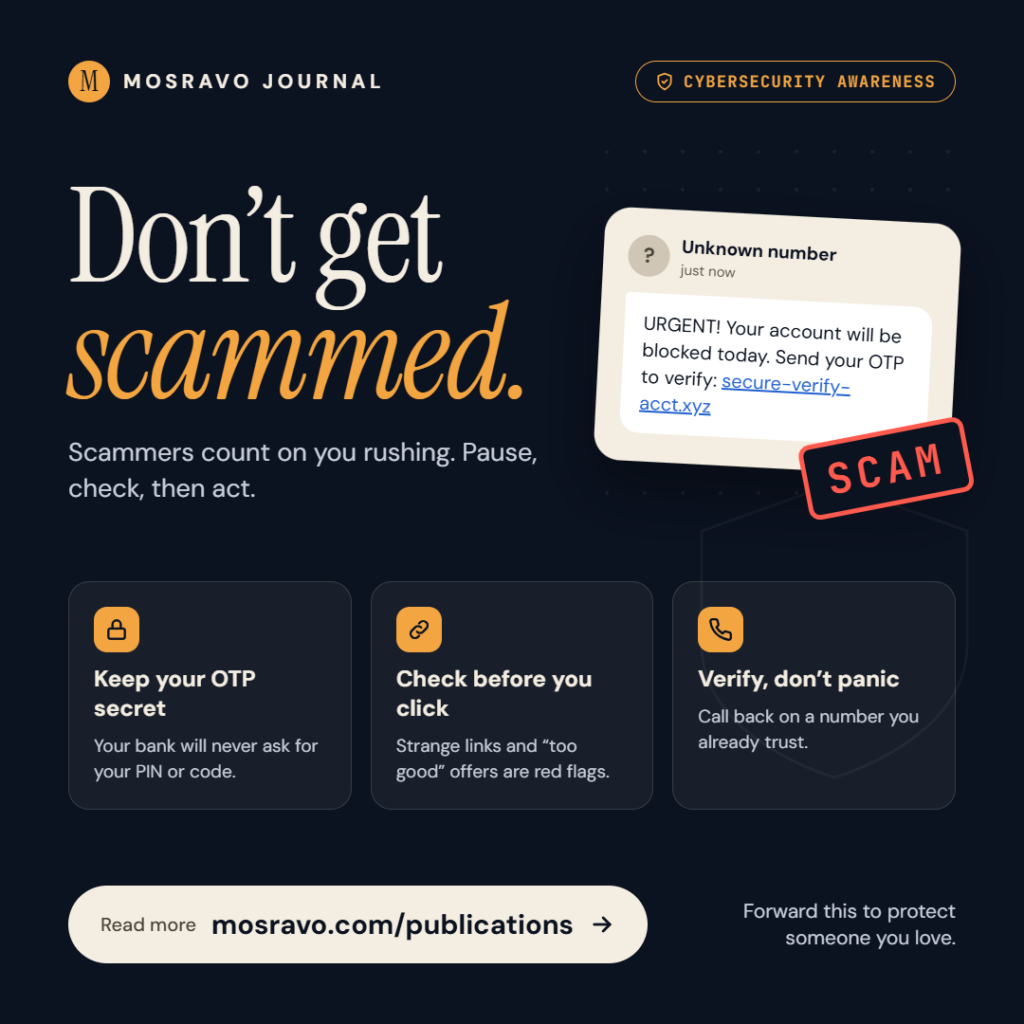
- No bank will ask for your PIN, password, OTP or BVN through a link or a direct message.
How the scam works, step by step
- You complain in public. You post about a failed transfer, a debit you do not recognise or a restricted account, and tag your bank.
- A “support agent” replies. An account with the bank’s logo, a name plus words such as “support” or “care” replies or sends a direct message. It may already know your name and phone number from your profile or earlier posts.
- You are moved to a private chat. The impostor asks you to continue on WhatsApp, Telegram or in DMs “to protect your privacy”.
- They ask you to “verify” yourself. You are asked for your account number, BVN, card details, PIN, or the OTP that has just been sent to your phone. Sometimes you are sent a link to a cloned internet banking site, a “refund form”, or asked to install a “support” app.
- The account is emptied. With your OTP or login details, the fraudster authorises transfers, links your account to a new device or changes your security settings.
The trick works because you contacted them first, or so it seems. You are already stressed about missing money, and a fast, friendly reply feels like relief.
What banks have said
ACAMB’s warning
ACAMB, which represents communication and marketing professionals in Nigerian banks, said fraudsters are using fake messages, websites and social media accounts that closely imitate genuine bank communication. Its president, Jide Sipe, noted that a message carrying your name, phone number or bank logo can look real, and stressed that no bank in Nigeria will ask you to confirm your PIN, password, OTP or BVN through a link.
Wema Bank’s response
In June 2026, Wema Bank temporarily stopped communicating on its X account and asked customers not to contact it there, after finding more than 70 fake accounts using its name and that of its ALAT digital platform. Later that month it also suspended Telegram operations, telling customers it was not on Telegram. Its official support channels were listed as its verified social media pages, contact centre and official email. Other financial firms have also reduced social media support; Technext reports that Kuda said in 2025 it had stopped using social media for customer support.
Warning signs
- A “support” account replies to your complaint before the bank’s real account does, or the real bank has said it does not offer support on that platform.
- The handle has extra words, numbers, underscores or misspellings, such as “support”, “care247” or “helpdesk” added to the bank’s name.
- The account was created recently, has few posts, or mostly replies to complaints.
- You are asked to move the conversation to WhatsApp or Telegram.
- You are asked for your PIN, password, OTP, CVV or BVN, or to click a link to “verify”, “reactivate” or “secure” your account.
- You are asked to install an app, share your screen, or pay a “reversal” or “processing” fee.
How to protect yourself
- Do not post account details in public. Leave out your account number, phone number and transaction references when complaining online.
- Start support from the official source. Use the in-app chat in your banking app, the phone number printed on the back of your card, or the contact details on the bank’s official website.
- Ignore unsolicited replies and DMs, even if they look official. Real support staff will never need your OTP or PIN.
- Treat every OTP as cash. An OTP sent to you is for you alone; reading it to anyone is the same as handing over your money.
- Install apps only from Google Play or the App Store. Wema Bank has also warned about fake apps that intercept SMS and OTPs.
- Businesses: tell staff who handle payments that support conversations about company accounts must go through the bank’s relationship manager or official channels only.
What to do if you have been targeted
- Call your bank immediately on its official number and ask them to block your cards, freeze transfers and reset your online banking access. You can also dial your bank’s USSD code to block your account where that service is offered.
- Change your internet banking and app passwords and PINs from a device you trust.
- Write down what happened: the fake account’s handle, screenshots, times and amounts.
- Report the impostor account to the social media platform and to your bank’s fraud desk.
- If money was taken, ask your bank to log a formal complaint and give you a reference number, and report the fraud to the police or the EFCC.
What you should do
Before you next need help from your bank, save its real contact details in your phone: the customer care number on your card, the in-app chat, and the official website. When something goes wrong, contact the bank yourself through those channels, and never give an OTP, PIN or BVN to anyone who reaches out to you first, however helpful they seem.
Sources
- ACAMB warns customers against online banking scams (The Sun)
- ACAMB warns bank customers as fraudsters deploy fake alerts, cloned websites (P.M. News)
- Wema Bank suspends engagements on X amid concerns over fraud, impersonation (Premium Times)
- Wema Bank suspends Telegram operations over fake accounts, impersonation (Premium Times)
- Why Nigerians use social media as virtual fintech banking halls (Technext)
Featured image: Photo: “Smartphone” by Insights Unspoken, CC BY-SA 2.0, via Openverse — source
Have you come across this scam?
Was this article helpful?

adminVerified expert
Cybersecurity Analyst — 20 years experience
Federal Capital Territory (Abuja)
Credentials: MCPN, MNCS, IAENG | System Analyst · Web Developer · CEH · CC · CDST
Got expertise to share? Write for us →