Set up a password manager in 15 minutes

Most of us have far more accounts than we can remember, so we reuse passwords. A password manager solves this by remembering unique, strong passwords for you. Setting one up takes about fifteen minutes.
Set it up
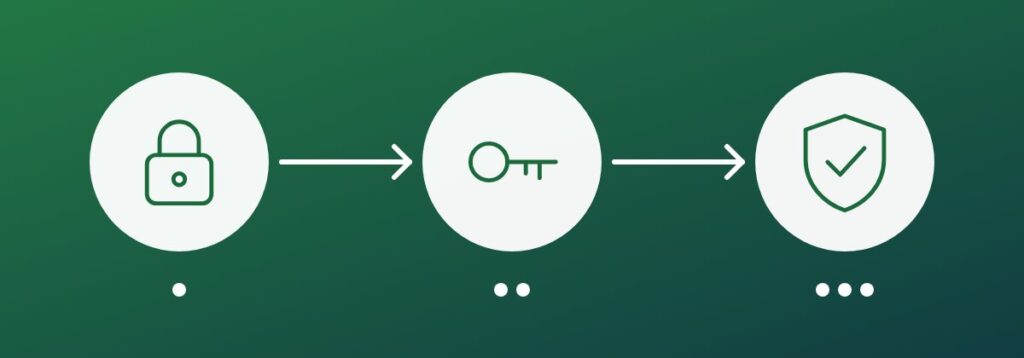
Choose a reputable manager and install it on your phone and computer. Create a long master passphrase made of several unrelated words and turn on multi-factor authentication. Never reuse the master passphrase anywhere else.
Move your accounts
Import saved logins from your browser, then change reused or weak passwords, starting with email, banking and work accounts. Let the manager generate a long random password for each.
- Add multi-factor authentication to the most important accounts as you go
- Delete passwords stored in your browser after importing
- Store secure notes such as recovery codes in the vault
Use it every day
Let the manager fill your logins. It also helps spot fake sites, because it will not offer your password on a lookalike address. Set up emergency access for a trusted person, and share team credentials through the manager rather than chat or email.
Key takeaway: one strong passphrase and one trusted manager replace dozens of weak, repeated passwords.