Scam Alert: Booby-Trapped Links and APK Files That Drain Bank Apps
Fraudsters are sending malicious links and app files through WhatsApp, SMS and fake bank messages that quietly install malware and empty accounts. Here is how the scam works and how to protect yourself.

In this article
Some bank customers in Nigeria say money vanished from their accounts while their phone, SIM card and ATM card never left their hands, and they never gave anyone an OTP. One explanation banks keep giving is a quiet one: a link or file opened on the phone that installed malware. This alert explains how that scam works, the warning signs, and what individuals and small businesses should do now.
Key takeaways
- Criminals send links and Android app files (APKs) disguised as documents, invitations, free movies, grant forms or bank updates, often through WhatsApp or SMS.
- Once opened, the malware can read SMS codes, watch what you do and help criminals move money or hijack your WhatsApp.
- Files can arrive from people you know, because their accounts or old numbers have been taken over.
- Banks say they will never ask for your PIN, password, OTP or BVN through a link, text, email or call.
- Install apps only from official app stores, turn off WhatsApp auto-download and switch on two-step verification.
How the scam works, step by step
- The bait arrives. You receive a message with a link or an attached file. It may look like a bank notice, a delivery update, a government grant form, a wedding invitation or a free entertainment app.
- It comes from someone you trust. Malaysia’s Cyber Consumer Association, quoted by Kenyans.co.ke this month, warned that people open files because they come from familiar contacts, including numbers that once belonged to acquaintances but are now used by criminals.
- The file installs malware. The attachment can be an APK, a Trojan or spyware. On Android, tapping it and allowing installation from an “unknown source” is enough.
- The phone is quietly watched. The malware can capture banking details, OTPs and transaction codes, read personal documents and monitor activity, all without obvious signs.
- Money moves and the scam spreads. Criminals use the stolen details to make transfers, and may take over your WhatsApp to send the same bait to everyone in your contacts.
The phishing-link variant
United Bank for Africa, which held its 2026 Fraud Awareness Week from 16 to 20 November, warned that fraudsters impersonate banks through texts, emails and social media accounts, sending people to cloned websites that steal logins, card details, PINs and BVNs. Messages may even carry your real name, phone number and the bank’s logo to look genuine.
Real cases reported in Nigeria
A WithinNigeria report published on 14 November gathered several recent complaints. In one, an Abuja mother said about ₦2.587 million left her and her daughter’s GTBank accounts over 24 days in October and November 2026, through transfers to accounts at other fintechs, while she still had her phone, SIM and card. The bank said its investigation pointed to customer-side compromise, specifically phishing links capable of installing malware and capturing sensitive information; the customer disputed this. In another case, a Lagos customer reported ₦4.6 million transferred out through the mobile app in August.
The same report noted that blocking an account stops further losses but does not automatically recover money already sent, which makes prevention far more valuable than recovery.
Warning signs your phone may be infected
- Battery draining unusually fast or the phone running hot when idle.
- Features misbehaving, or apps you do not remember installing.
- Trouble receiving SMS, especially verification codes that you request but that never arrive.
- Friends saying they received strange files or requests from your WhatsApp.
- Debit alerts or transfers you did not make, or alerts that stop arriving.
How to protect yourself
- Never install apps from links or chat attachments. Use Google Play or the Apple App Store only, and avoid pirated “free movie” or “modded” APKs.
- Turn off automatic media download in WhatsApp (Settings > Storage and data) so files are not saved without your say.
- Turn on WhatsApp two-step verification (Settings > Account > Two-step verification) to make account takeover harder.
- Pause before you click. UBA’s advice is simple: fraudsters rely on panic, so stop and verify. Type your bank’s web address yourself or open its official app.
- Never share your PIN, password, OTP or BVN, even with someone claiming to be bank staff, and do not hand your phone or PIN to anyone to “fix” your app.
- Verify through official channels only. Use the numbers on the back of your card or the bank’s official website, never contact details given in a suspicious message.
- For businesses: keep the phone used for business banking separate, locked down and free of non-essential apps.
What to do if you are a victim
- Call your bank immediately on its official number and ask them to block the account, cards and mobile banking, and to flag the receiving accounts.
- Disconnect the phone from the internet, then remove unknown apps. If you are unsure it is clean, back up photos and contacts and do a factory reset.
- From a clean device, change your banking, email and WhatsApp passwords and PINs.
- Warn your contacts not to open files sent from your number.
- Write a formal complaint to your bank, file a police report, and escalate to the CBN Consumer Protection department if the bank does not resolve it.
What you should do
Today, check your Android settings and make sure installing apps from unknown sources is off, switch off WhatsApp auto-download, and turn on two-step verification. Then share this alert with family members, especially older relatives, who are often targeted. A message that pushes you to open a file or link quickly is the clearest sign of a scam.
Sources
- WithinNigeria: Mobile Banking Fraud in Nigeria: How Customers Lose Money
- Legit.ng: UBA reveals tricks fraudsters use to empty customers’ accounts
- Kenyans.co.ke: WhatsApp users warned over files that could steal personal and banking details
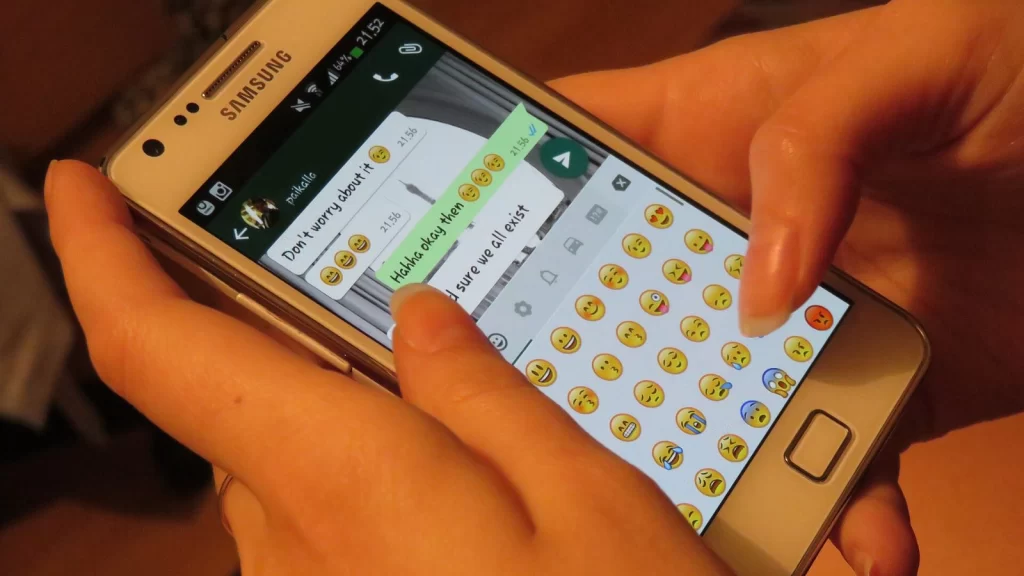
Featured image: Photo: “Whatsapp texting” by Helar Lukats, CC BY-SA 4.0, via Wikimedia Commons — source
Have you come across this scam?
Was this article helpful?

adminVerified expert
Cybersecurity Analyst
Federal Capital Territory (Abuja)
Credentials: MCPN, MNCS, IAENG | System Analyst · Web Developer · CEH · CC · CDST
Got expertise to share? Write for us →